

If you would like to purchase the MIDI Maestro Silver Edition, please contact support@singularsound.com
Buy It With



An Overview of The MIDI Maestro Gold Edition
The Next-Gen MIDI Controller with Built-In Screens and Mobile-App Customization
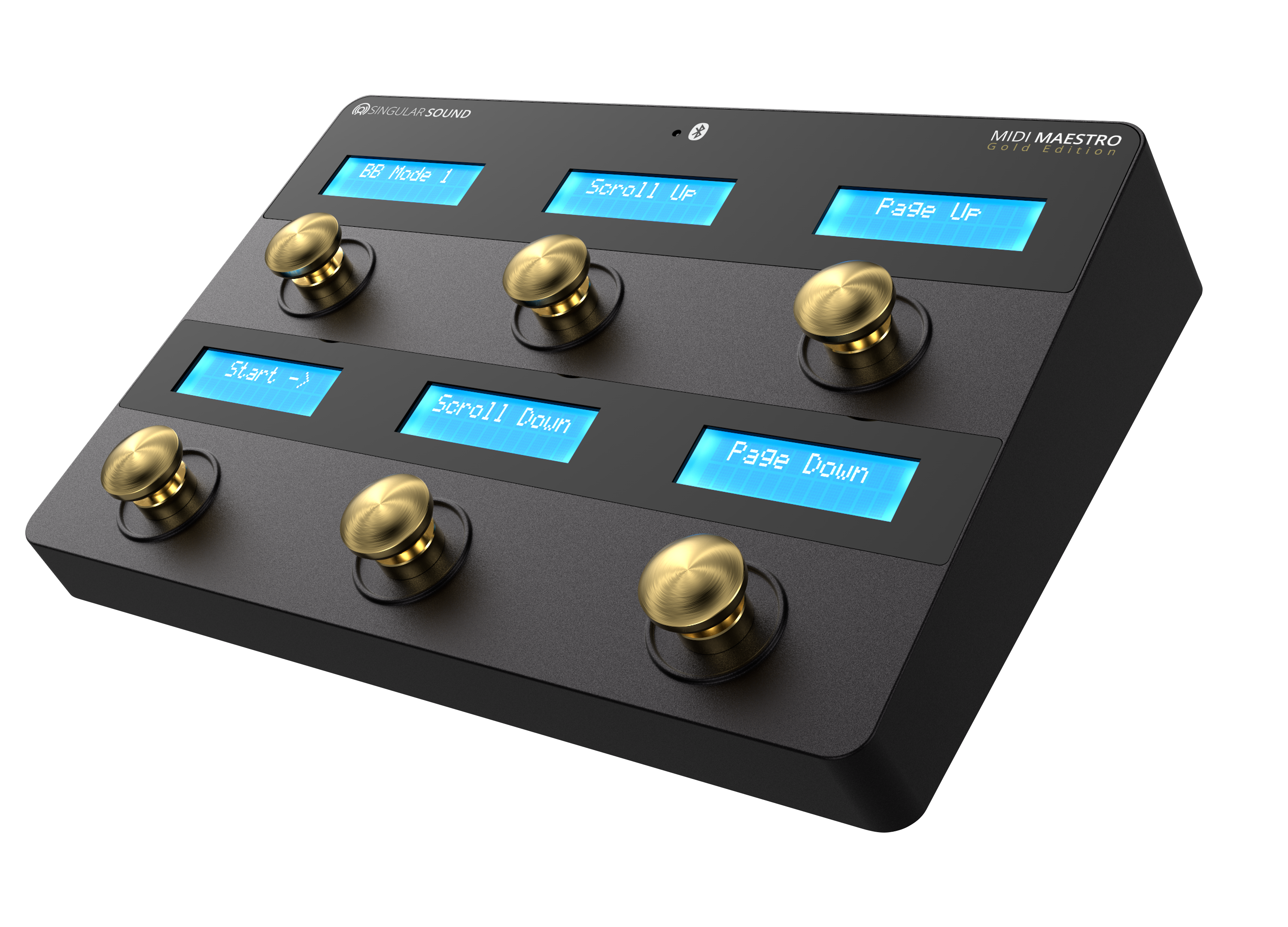
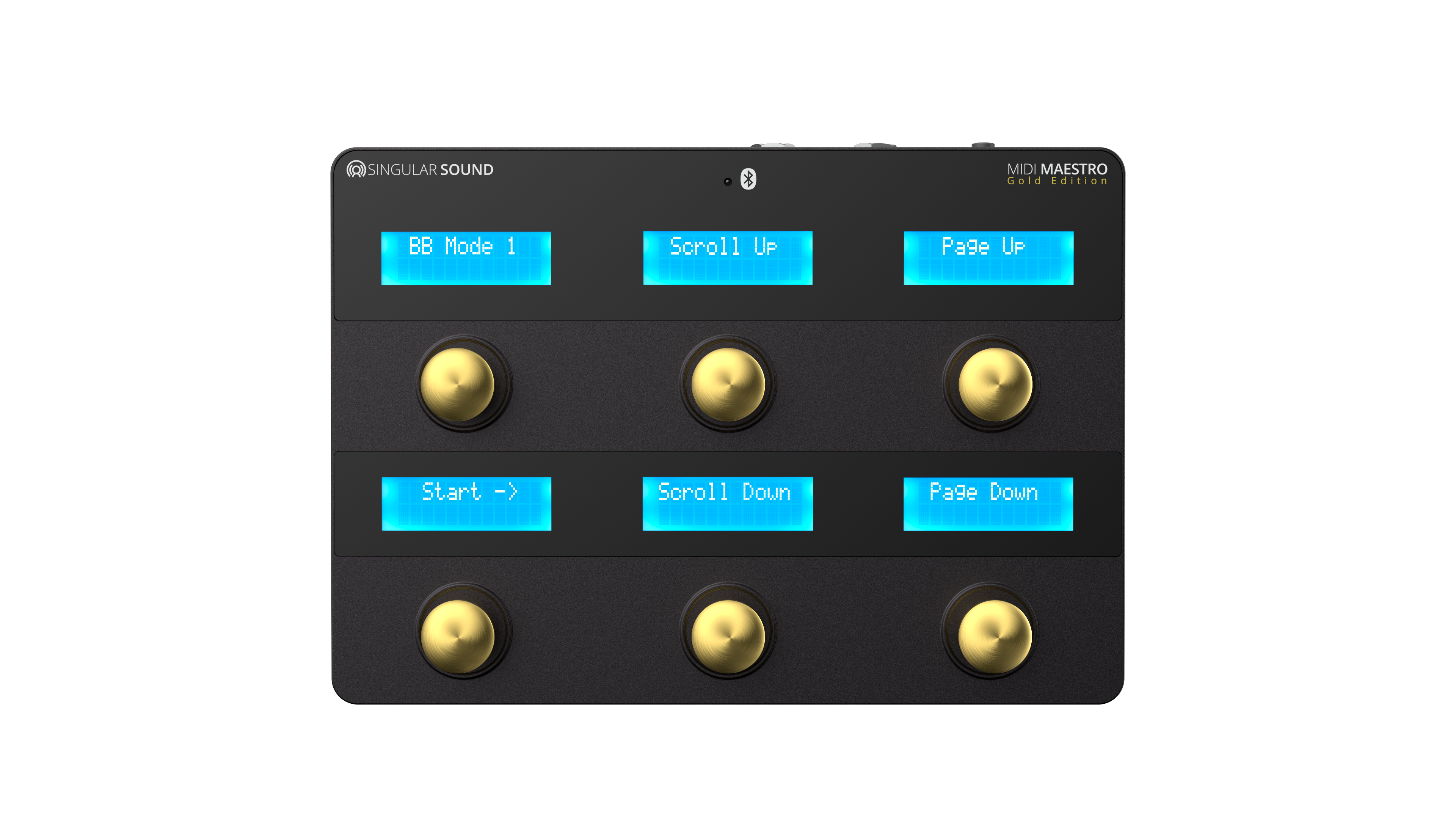
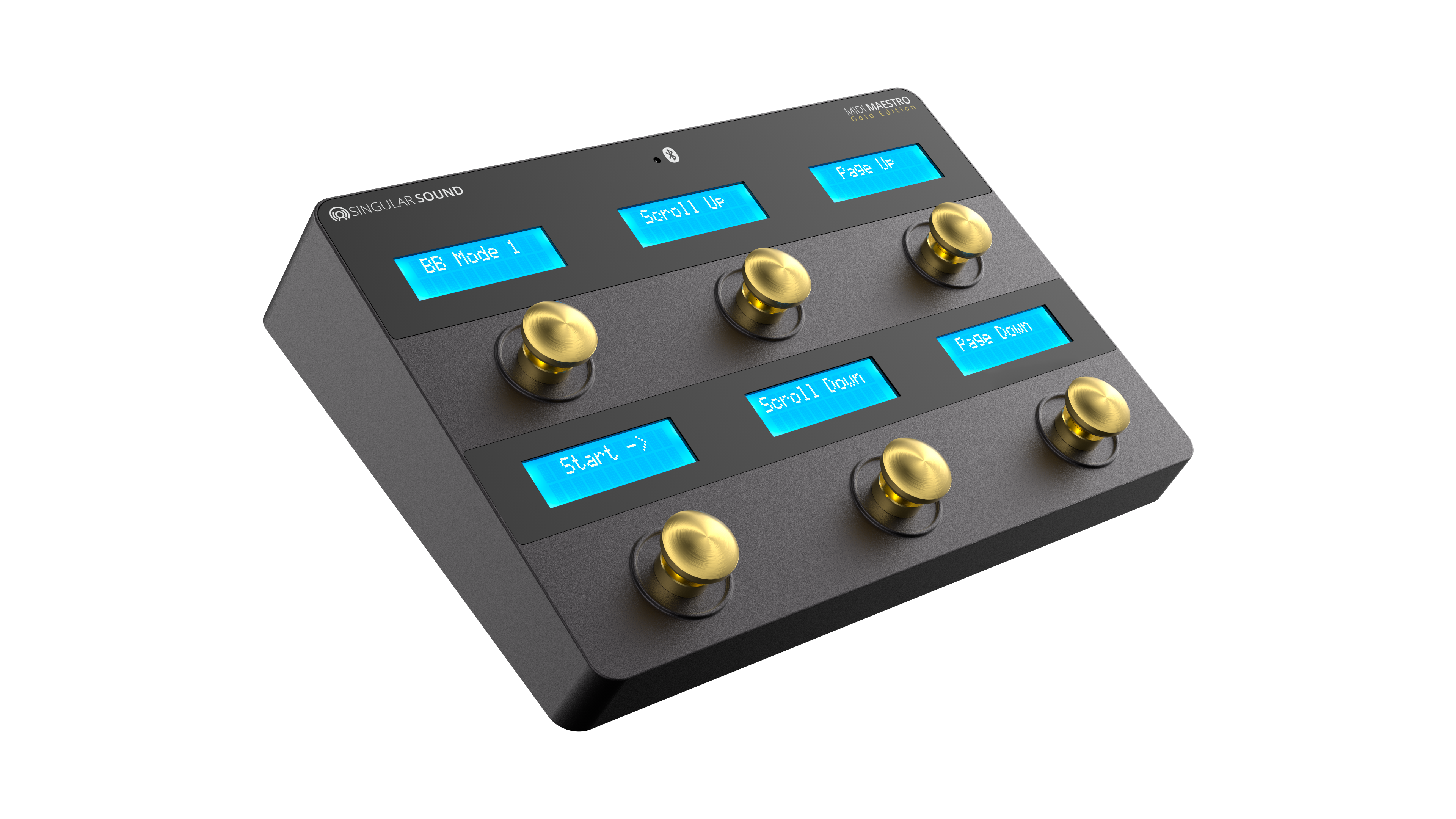
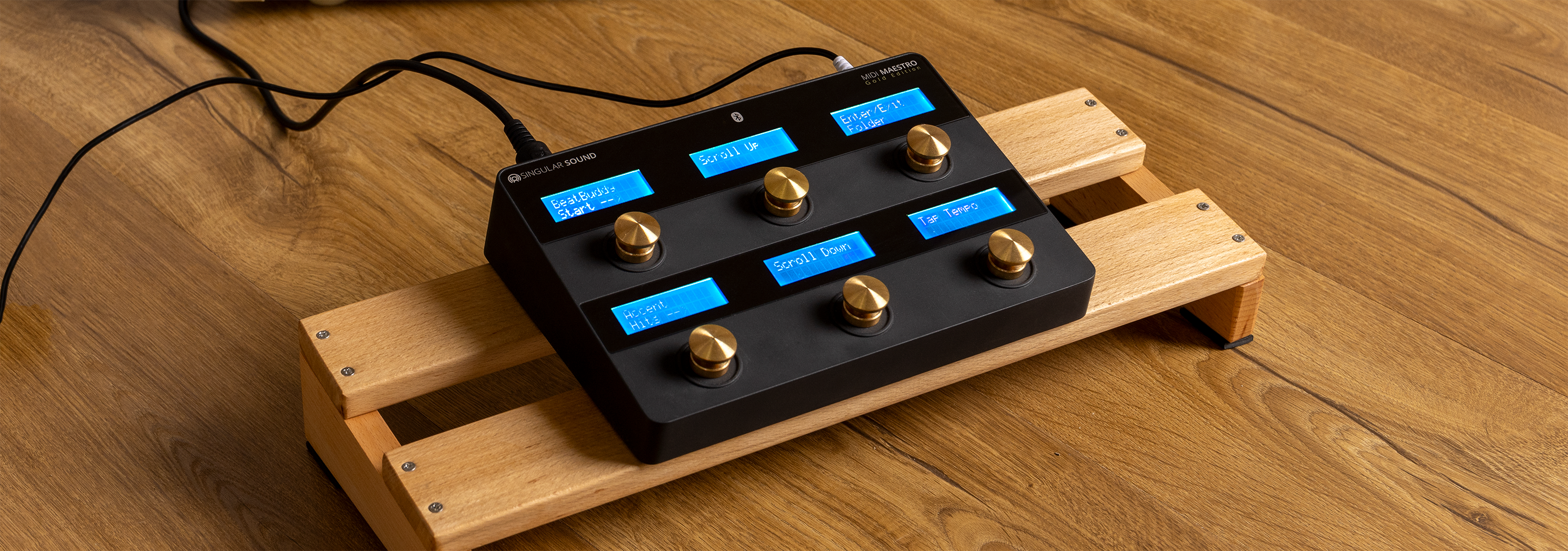
The MIDI Maestro Gold Edition is a compact and easy to use MIDI foot controller equipped with the same silent comfort+ footswitches found on the Aeros Gold Edition, six built in screens, and a mobile app for on the go customization. Control your pedals all in one place, switch presets and FX with ease, and take command of your next gig or studio session.
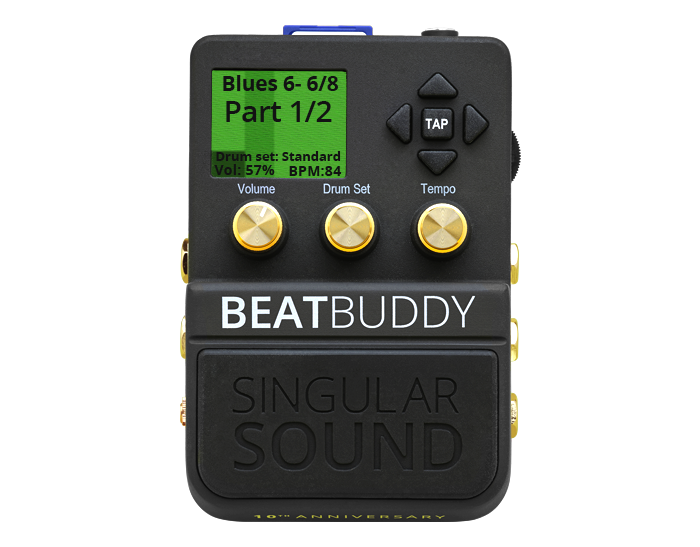
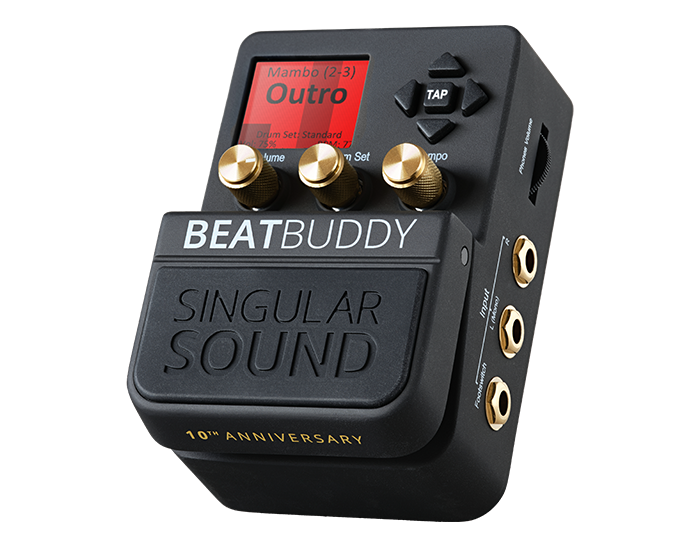
Each MIDI Maestro Gold Edition is engineered with built-in modes for the BeatBuddy and Aeros Loop Studio.Utilize hands-free song control over the Aeros, one-touch undo/redo mute/unmute commands, and the change the order of your song parts. Adjust BeatBuddy's tempo, double and half time your beats, add accent hits and more on-demand.
MIDI Foot Controller
Custom Mode, BeatBuddy Mode, Aeros Mode, 10 x Dynamic Pages per Preset
iOS App, Android App
6
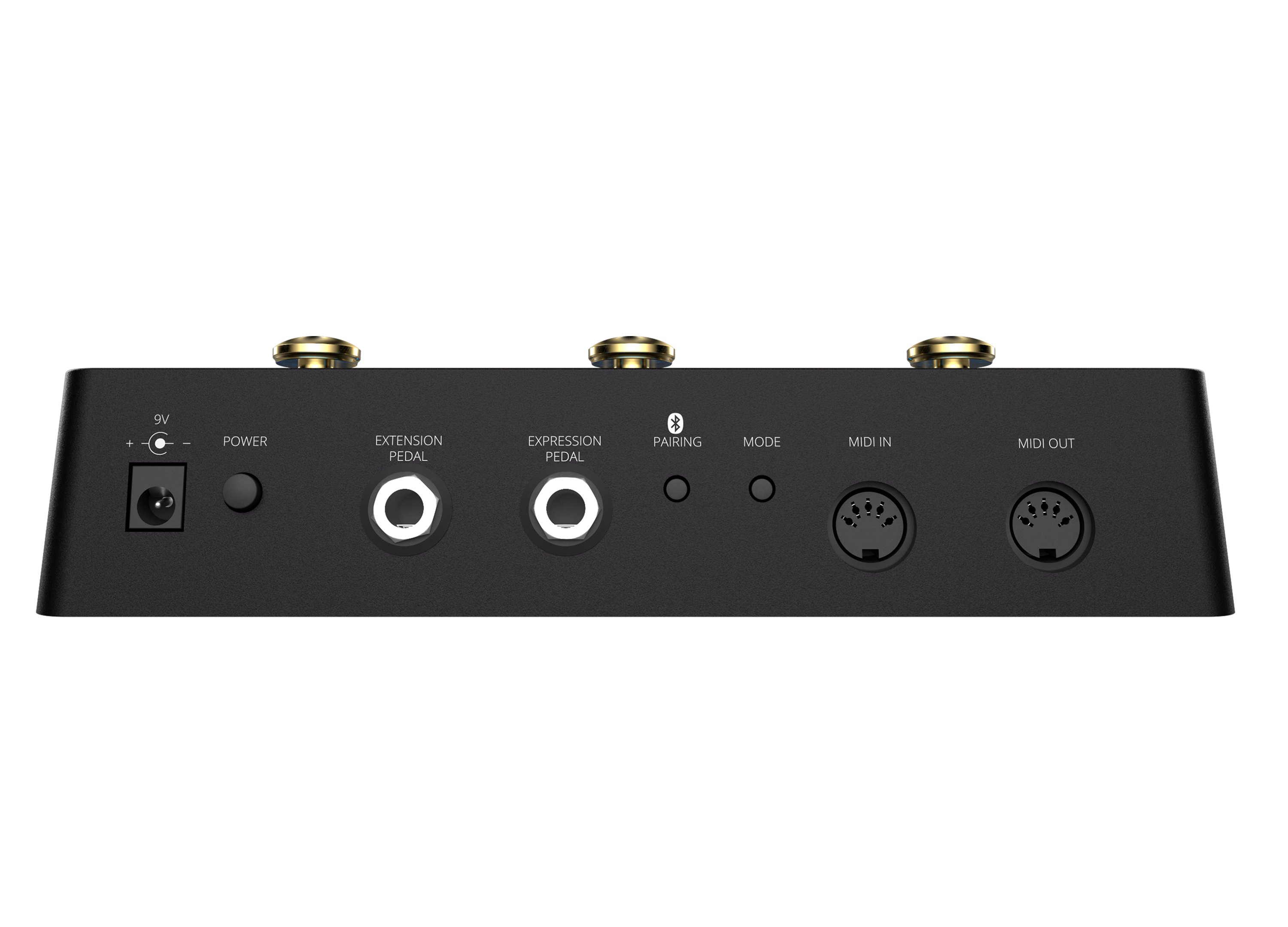
5-pin in/out, Bluetooth
1 x 1/4" (Expression), 1 x 14" TRS (Footswitch)
6 x 1.9" Diagonal Dot-matrix LED
9V DC Power Supply (Included)
300mA
1.9"
8.4"
5.8"
1 lbs. 2 oz.
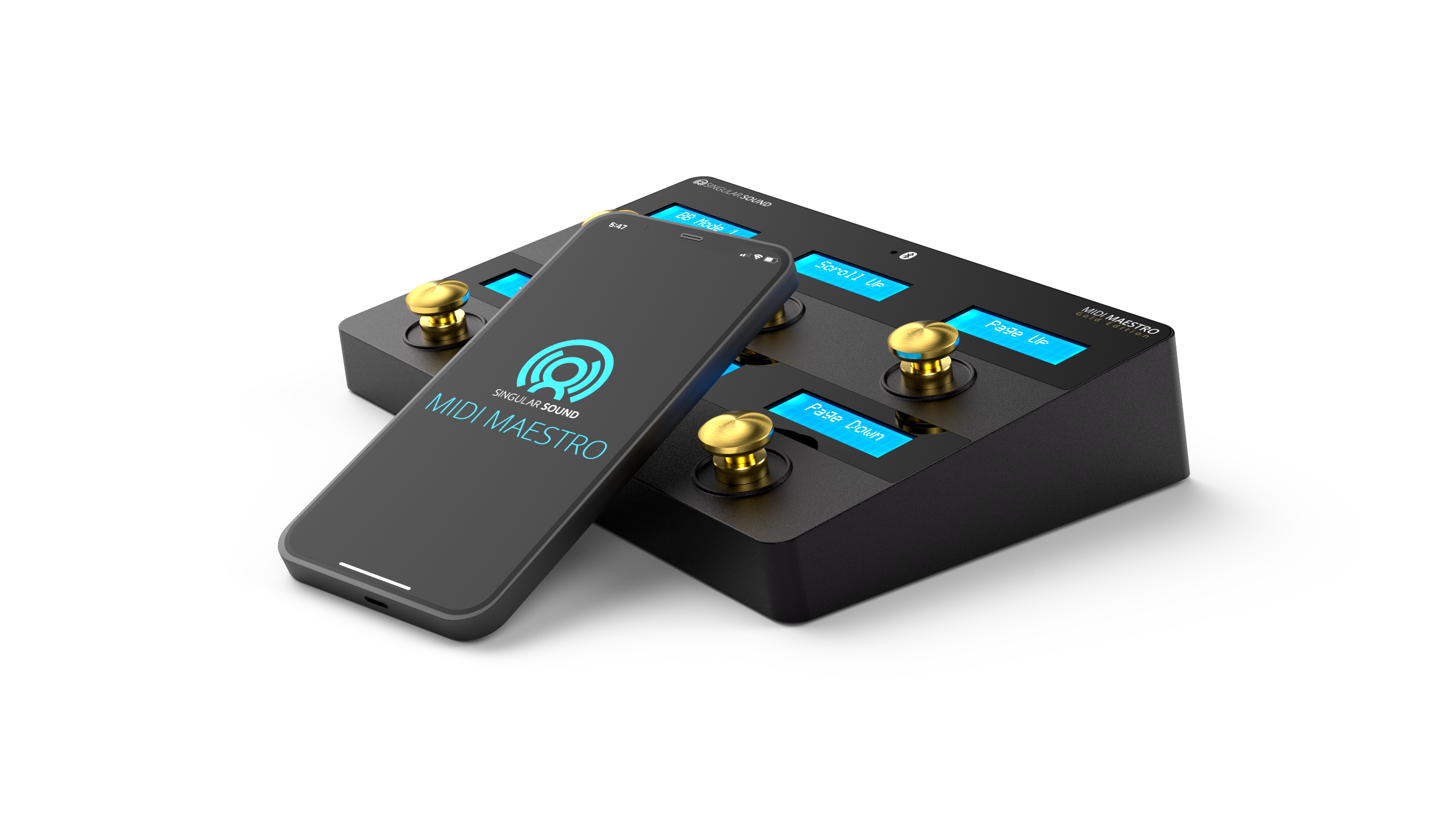
A Mobile-App for MIDI Customization, and a Custom Mode to Match your Gear
Version 1.7.0 of the MIDI Maestro Mobile app makes it easier than ever to create, tweak, and upload MIDI configurations for your devices, including your favorite FX and Exp. pedals using the MIDI Maestro's built in custom mode.
Explore user-generated MIDI commands, save, edit and upload your modes, plus get on-the-go customization access. The MIDI Maestro Mobile App is available for iOS and Android in the App Store and Google Play Store now.



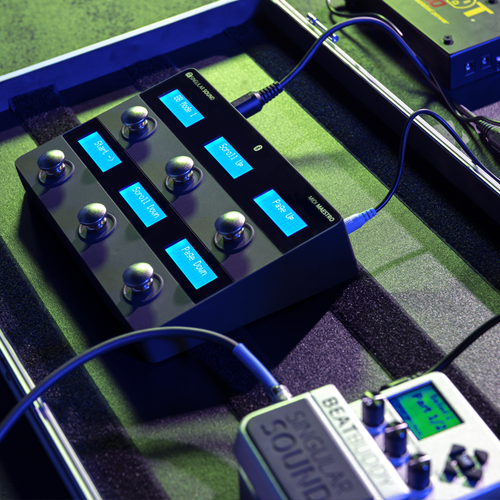
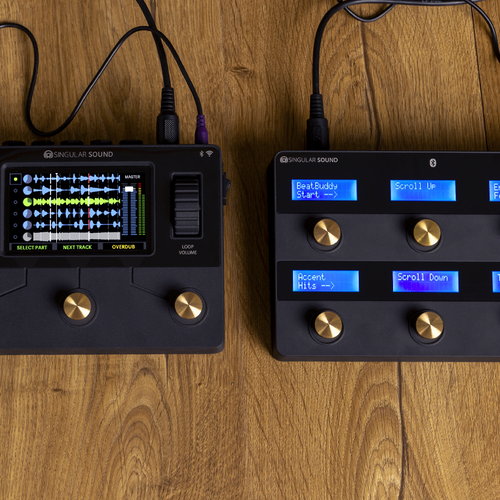
With the MIDI Maestro Gold Edition’s BeatBuddy mode, you’ll be able to access new functionality like a wider array of accent hits, song part selection, one press stop and more.
Shop BeatBuddyUsing the MIDI Maestro Gold Edition’s built in Aeros mode, you can gain access to a plethora of powerful MIDI commands like reverse, fade to mute, part selection and more all with a single press of a button.
Shop AerosI’ve never been great with MIDI, but the MIDI Maestro made it easy. The screens tell me exactly what each switch does, and the app makes setup simple. Now I can control my BeatBuddy and Aeros without thinking about it, just play and tap when I need to.
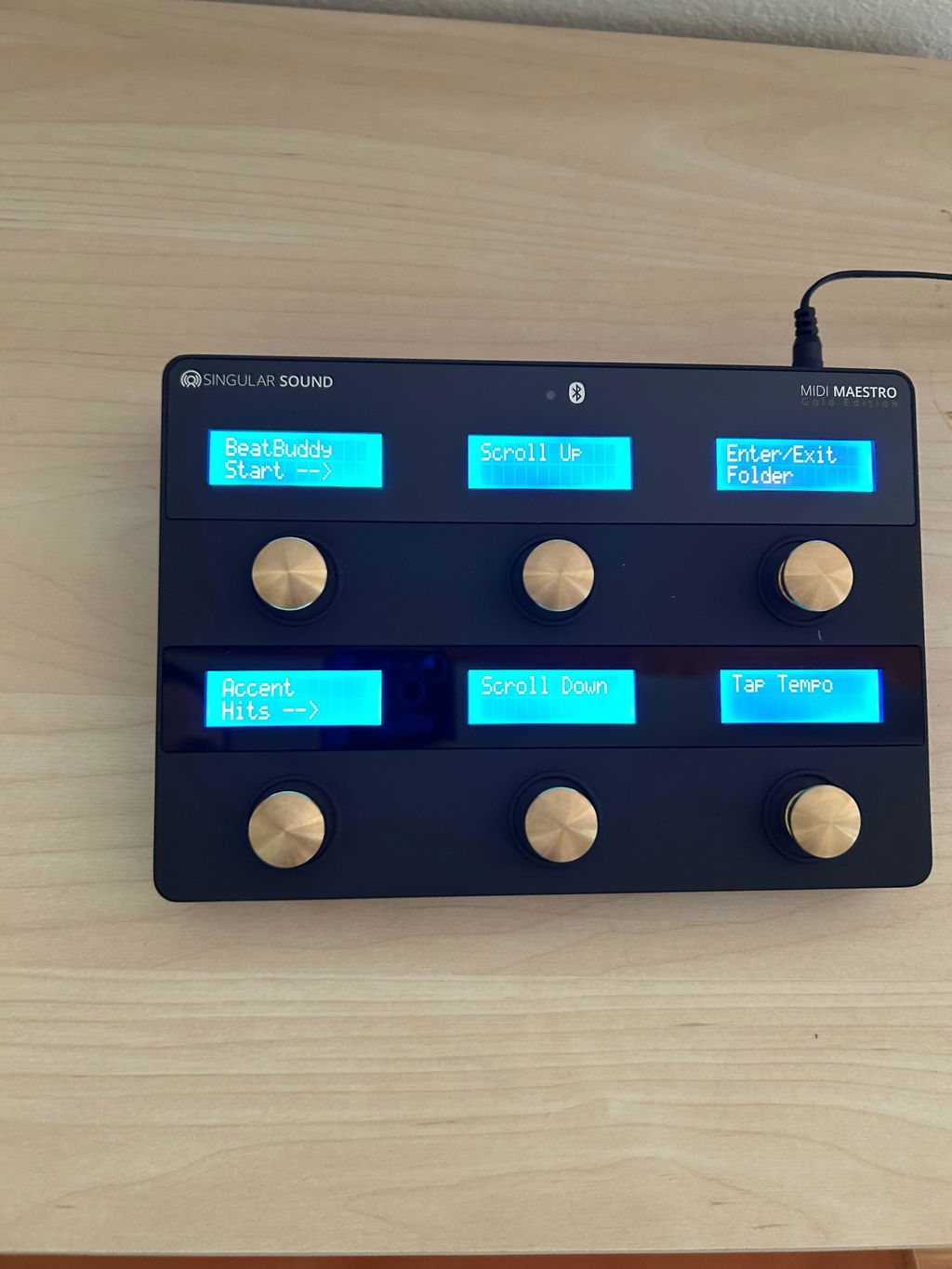
Looks great, matches my Beatbuddy and Aeros!
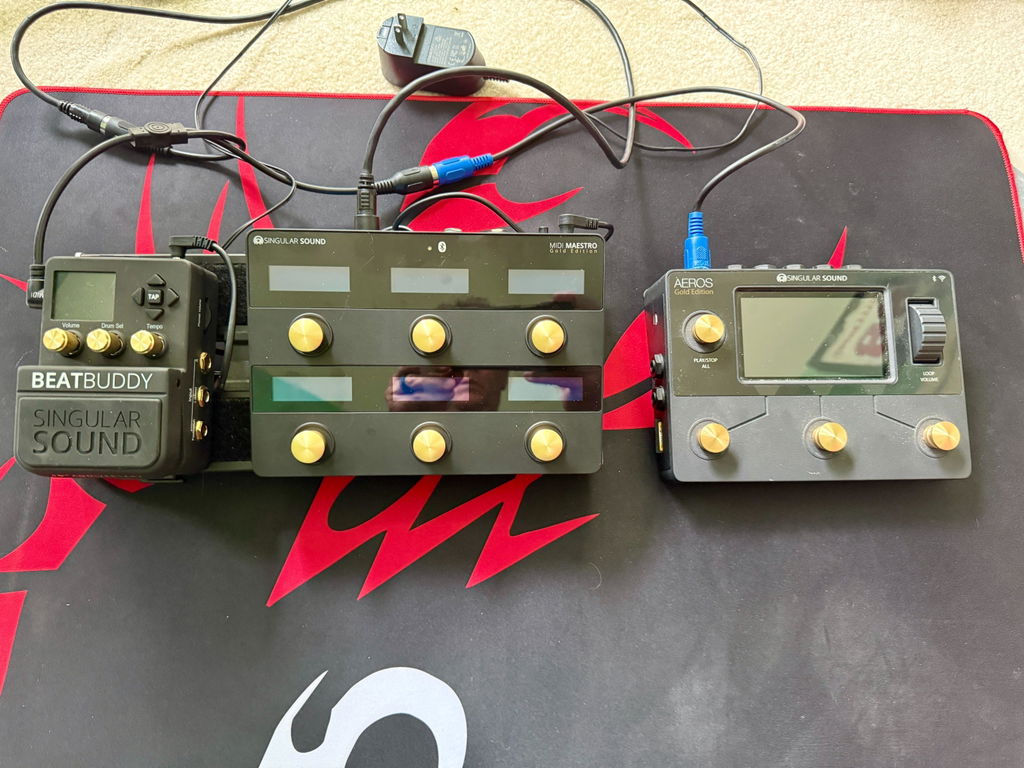
It is super easy to program, setup, and use. I finally have total freedom in going to any part of the song at any time. Also no more tap dancing. Big easy buttons to push. Perfect!!!!
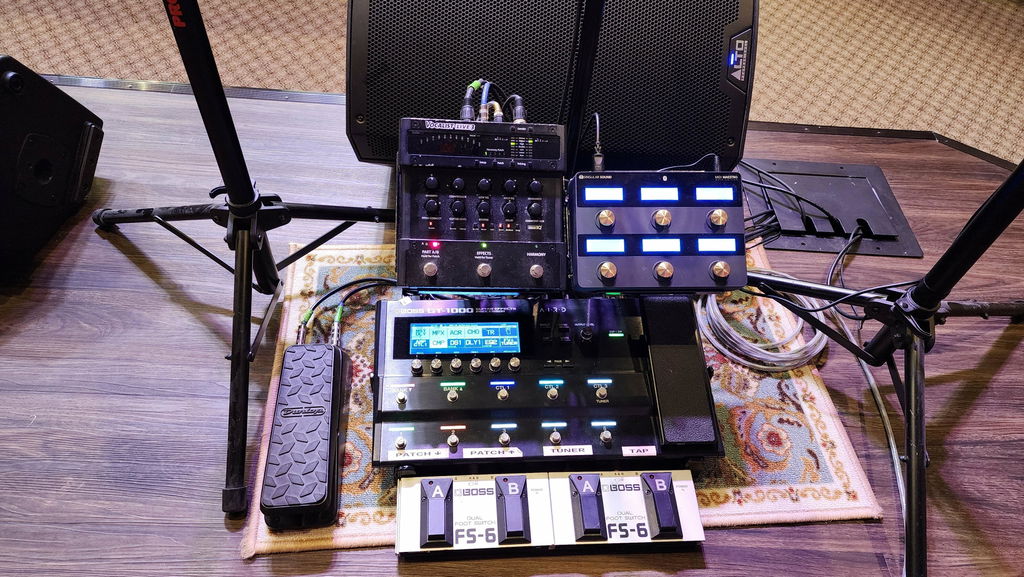
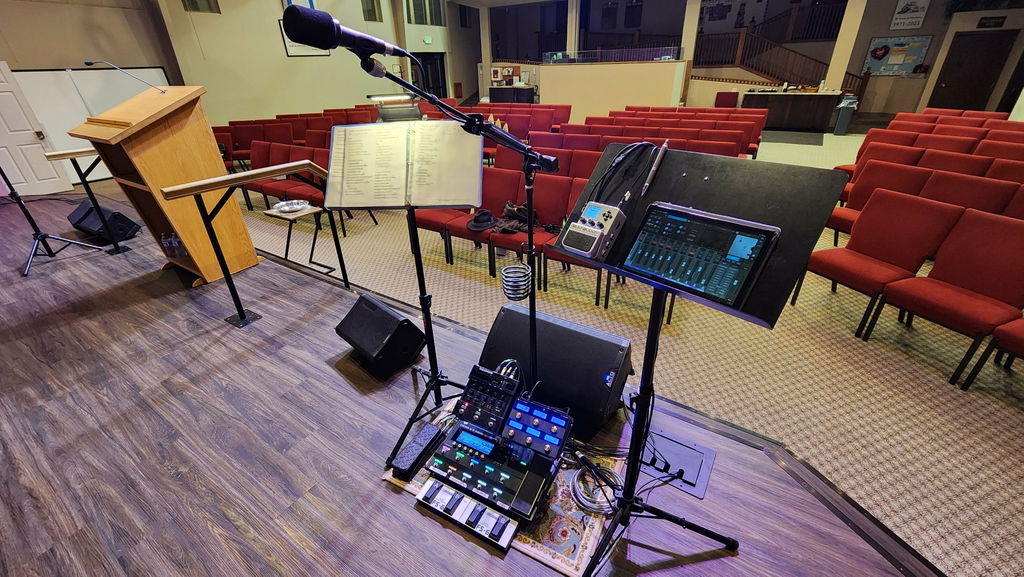
The MIDI Maestro is incompatible with IOS 26. Singular Sound advises against updating your Apple device to v26 which is impossible since Apple is forcing the update. Singular says to contact Apple. But Apple isn’t going to do anything because Singular uses an undocumented connection to Bluetooth. So now I’m left with a device that can not be updated or reconfigured since it requires the iPad or iPhone to do so. No, I’m not going to buy an Android device. Do NOT buy this device.
I own the MIDI Maestro. Potential buyers should be aware that the Apple App Store app for MIDI Maestro does not currently work with IOS 26. If you try to use the App it will brick the MIDI maestro.
love it
If the programming codes worked it would be excellent! I have been getting support assistance however why doesn’t a manual of “how to” program with codes provided with purchase? It concerns me that no one is really able to crack the code sort of speak when you’re trying to get both systems to talk (BB+Aeros). The manufacturer YouTube video is not enough sadly. For $300 I really expect better. It make a gigging a nightmare.
I play mostly in a seated position because of some disabilities however, the media station makes controlling both the looper and the beat buddy as easy as pie. Definitely a must have if you have both the looper and beat Buddy
Soft, responsive buttons that feel fine even after a long night of barefoot playing. My feet have never filed a complaint.
I open the app, tap a few settings, and it is ready to go. I have spent more time looking for my tuner pedal than it takes to program this thing.
I can change songs, undo, mute, and adjust tempo without ever bending over. My back is now a big fan of the MIDI Maestro too.
The aluminum body feels like it could outlast me, and the gold finish makes it look like it belongs in a museum.
I built a mode that runs my BeatBuddy, changes lighting scenes, and controls a couple of pedals all at once. It is like having an obedient tech crew that never asks for a break.
No more guessing which button does what. The screens keep everything clear, even when I am mid-song and my brain is busy remembering lyrics.
Each button can send six MIDI commands at once, which means entire chains of effects come alive with one tap. My rig has never felt so under control.
The BeatBuddy and Aeros modes let me control fills, parts, and mutes instantly. I no longer look like I am trying to stomp out a campfire during a set.
This slides right into my compact setup and the quiet switches make it great for barefoot use. The six bright screens finally let me know what is going on, unlike the cryptic mystery my last controller offered.
Plugged it in, set it up in minutes, and now I control all my gear without a hitch. No drama, no headaches, just results.
It’s just a midi switcher but if you are a Beat Buddy user and you want to get the most out of it, this has to be the easiest route. Does what it claims with no fuss. You pays your money and you takes your choice.
Great to add to best buddy.
To buy this as a midi controller huge disappointment. To use it out of the box to help control BeatBuddy or Aeros Looper ok. Does not hold a candle to Morningstar MC6
I’ve been using the Beat Buddy and Aeros looper for a while but have found more complex song structures too difficult to negotiate with my feet when concentrating on playing the guitar and singing. Now I've added the Midi Maestro to my set-up I can eliminate multiple button presses and no longer have to grovel on the floor to manually select the next song. The Midi Maestro has also opened up the 6x6 capabilities of the Aeros, releasing the full potential of this great looper.
I got the Midi Maestro and added it to my Beat Buddy and the Loop Station. It is a very complete and great system that I am very happy with.
The MIDI Maestro cranks your Beatbuddy experience up to 11!
I am a medical product Engineer critical on durability and ease of use….To start with love the Foot switches which are the highest quality have seen anywhere they are road worthy not cheap junk…. Love the configuration Iphone App. Nice and visual layout. For live shows would like bigger display a few more characters usually put sound name on Top line and song name on the Bottom…. The two rows of 3 allows for compact situations I understand and cost factors…. Overall best solution have seen for managing Midi devices…
Would like to see a professional version with one long row of 10 switches and bigger displays with ~2x size characters 15 characters long and text three rows would allow for Set#, Song name and sound patch, with built in up/down page scrolling so no extra box or wires to manage….
Hope see some progression product soon ! Keep up the good work 😇
Works as described and does facilitate the controls for Beat Buddy and Aeros. I also enjoy the custom modes to control other elements in my rig. I only wish the unit could hold more than one custom mode at a time as it does take a couple of minutes to load a new custom mode using the app. It is also a disappointment not to be able to see the contents of on line provided custom modes without downloading them on the Maestro. Would also be nice to have some kind of description as many share the same name and it gets very tedious and time consuming to sort this out. Still happy with the unit overall.
MIDI Maestro Gold Edition
Everytime you want to update or change anything it takes a long write to the device over Bluetooth. I really wish could implement "Changes Only" upload to make the process quicker and more logical. I have issues with the app not being intuitive. I enter a button to edit, and look to just set the value and have options directly there. They are not, you have to create modes and then assign the modes to the buttons, etc. I would rather like a secondary Macro addition, and keep the basics of it straight forward. Is there any updates planned or Beta?
Why go to a Gold Looper with clickless buttons when I used the Maestro Silver loud buttons more. Now both quiet. **** Yeah!
It programs easily with the App and the new silent buttons work and feel great!
You May Also Like